Document scanner
UltraScanner
UltraScanner is a document scanner for Android. It finds the edges of a page, lets you set the corners, and saves a PDF.
You can mark up a page with ink, text, or a signature, protect a PDF with a password, keep scans in folders, and lock the app.

Features
- Edge detection. The camera view looks for the edges of a page.
- Crop and corners. Set the corners, then crop to the page.
- Markup. Draw in ink, add text, or place a signature on the page.
- PDF. Save the scan as a PDF.
- Password-protected PDFs. Protect a PDF with a password.
- Folders. Keep scans in folders.
- App lock. Lock the app.
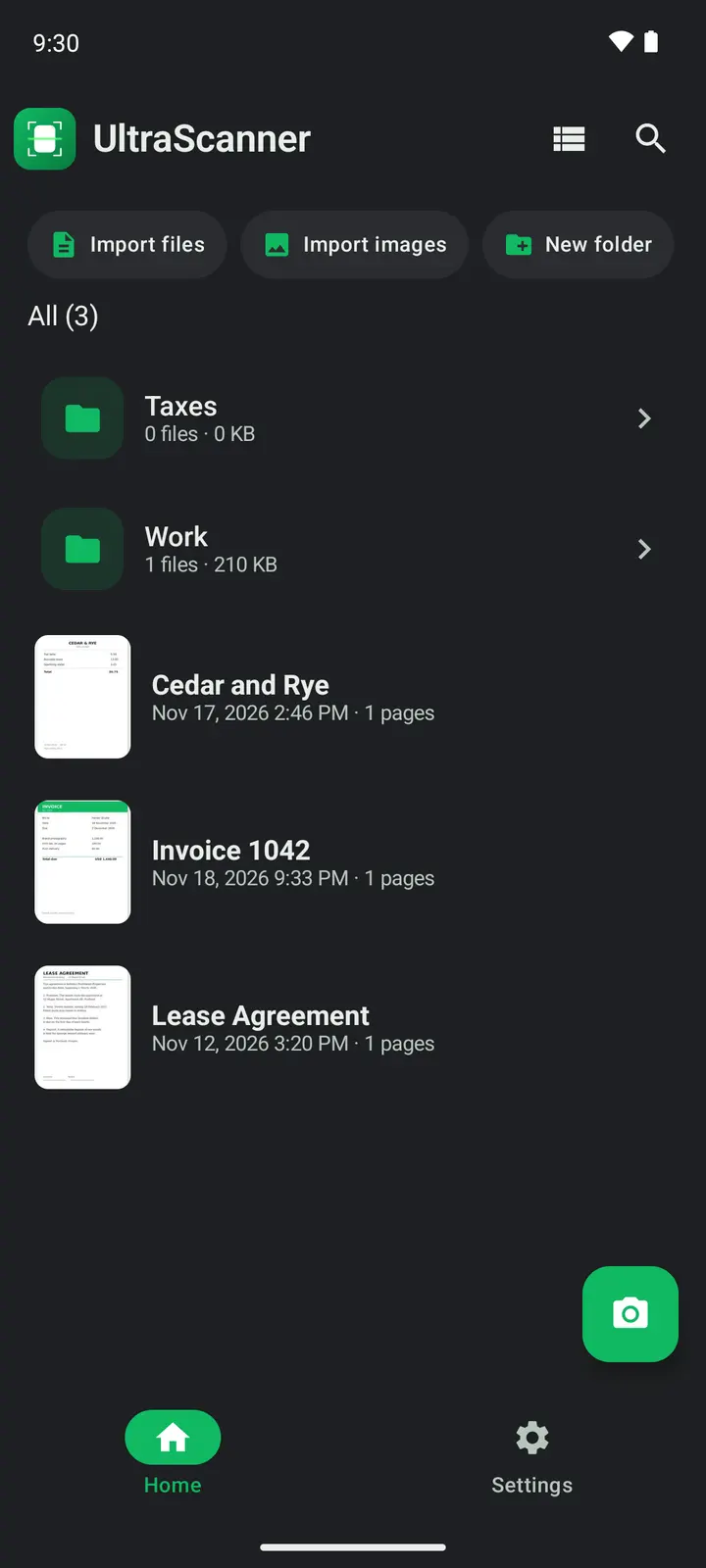
Home


Home
1 / 10
Questions
What does UltraScanner do?
It is a document scanner. It detects page edges, lets you crop and set corners, and saves a PDF. You can mark up a page with ink, text, or a signature, protect a PDF with a password, organize scans in folders, and lock the app.
Where do I install it?
On Google Play. The package name is com.ultrascanner.app.
Where are the privacy policy and the terms?
On this website, at the UltraScanner privacy policy, terms of use, and disclaimer. Those pages cover the app. The website has its own privacy policy and terms.
Who makes it?
Hanan Assis, and the apps are published as BosgaApps.