SMS to encrypted push
UltraSMS2Push
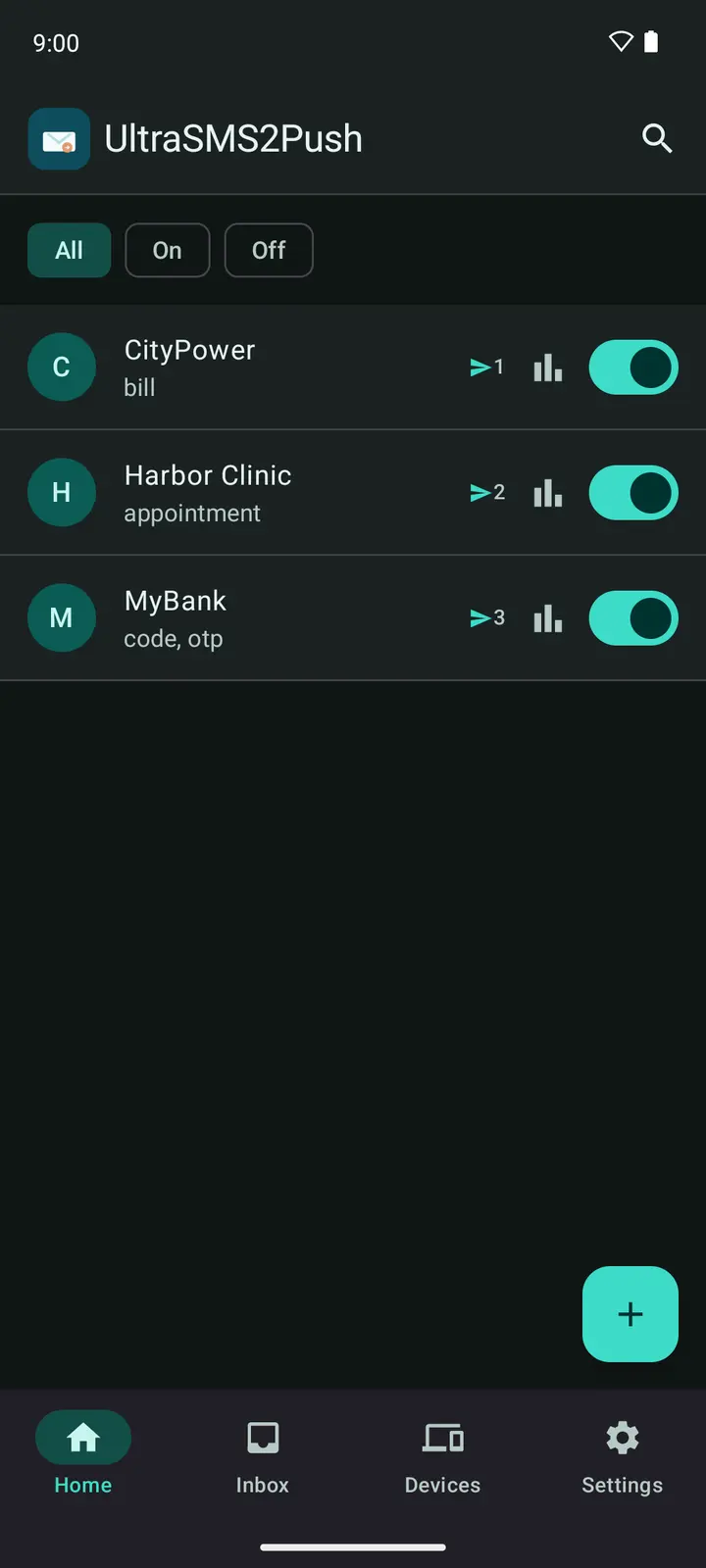
UltraSMS2Push forwards SMS that match rules you set. A rule is a sender, plus optional keywords.
A match is delivered to paired devices as an end-to-end encrypted push notification, with a heads-up alert and a copy-code action. There are no ads in the notification.

Features
- Rules. Match a sender, with optional keywords.
- End-to-end encrypted push. A matching SMS is forwarded to paired devices as an end-to-end encrypted push notification.
- Heads-up notifications. The notification can appear as a heads-up alert.
- Copy code. The notification includes a copy-code action.
- Sender and receiver. Use a device in the sender role or the receiver role.
- Encrypted backup. Back up with encryption.
- Languages. The app is offered in about 50 languages.
- No ads in the notification. The notification does not carry ads.
Home


Home
1 / 10
Questions
Which SMS messages are forwarded?
Only messages that match a rule you set. A rule is a sender, plus optional keywords.
How does a message arrive on another device?
As an end-to-end encrypted push notification on a paired device. It can appear as a heads-up notification.
What is the copy-code action?
The notification includes an action that copies a code.
What is the difference between sender and receiver?
The sender role is the device that receives the SMS. The receiver role is a paired device that gets the encrypted push.
Does the notification show ads?
No. There are no ads in the notification.
Can I back up the setup?
Yes. Backup is encrypted.
How many languages are included?
About 50 languages.
Where do I install it?
On Google Play. The package name is com.ultrasms2push.app.